
Close Menu
  • Home
  • Tech News
  • Reviews
  • A.I News
  • Gadgets
  • Games
  • Mobile Phones

Subscribe to Updates

Get the latest creative news from FooBar about art, design and business.

What's Hot

WordPress Critical Error on your Website( Step by Step Fix)

May 16, 2026

Fix WordPress HTTP 500 Error: Step-by-Step Guide

May 12, 2026

How to Use AI to Make Money Online (2026 Guide)

April 22, 2026
Facebook X (Twitter) Instagram
Trending
  • WordPress Critical Error on your Website( Step by Step Fix)
  • Fix WordPress HTTP 500 Error: Step-by-Step Guide
  • How to Use AI to Make Money Online (2026 Guide)
  • Best AI Tools for Beginners (2026 Guide)
  • Best Online Tech Courses for Beginners (2026)
  • Top Tech Skills to Learn in 2026
  • Samsung Galaxy S26 Ultra Leaks โ€” What We Know (2026 Update)
  • Best Free AI Tools for 2026 (No Signup Needed)
Facebook X (Twitter) Instagram
Dinnerah News Blog
  • Home
  • Tech News
  • Reviews
  • A.I News
  • Gadgets
  • Games
  • Mobile Phones
Dinnerah News Blog
Home ยป Blog ยป WordPress Critical Error on your Website( Step by Step Fix)
Device

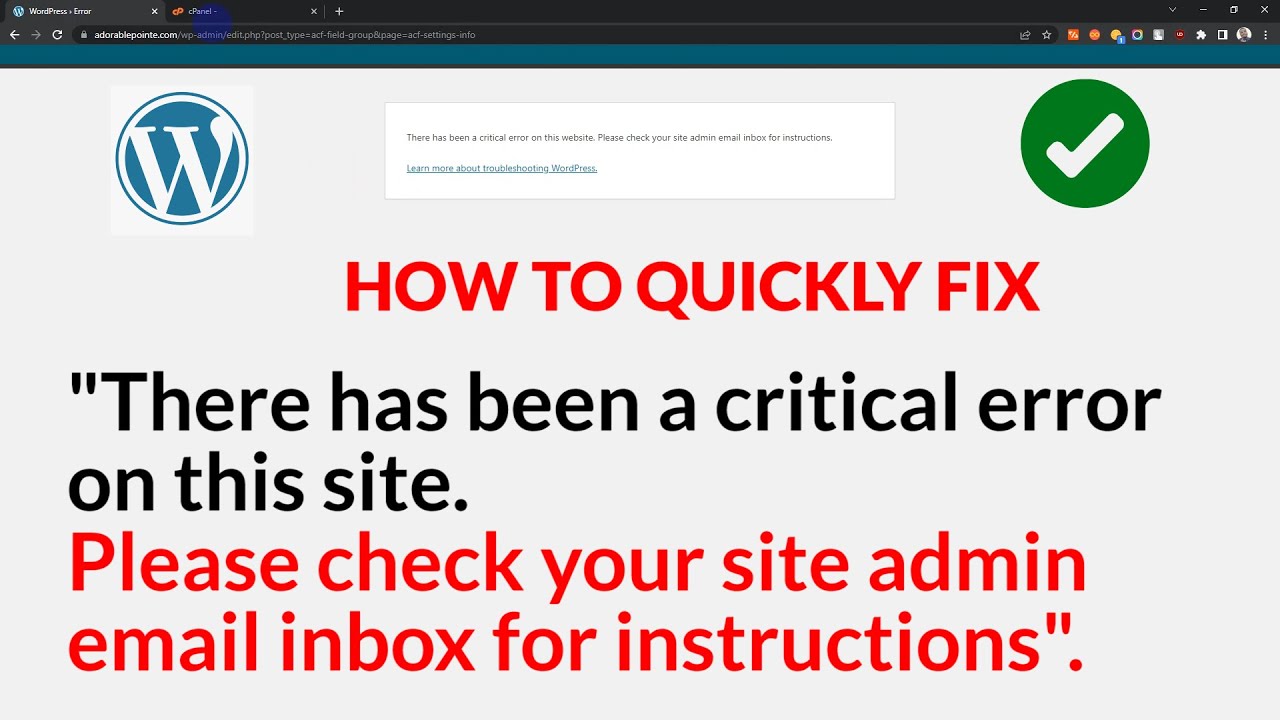
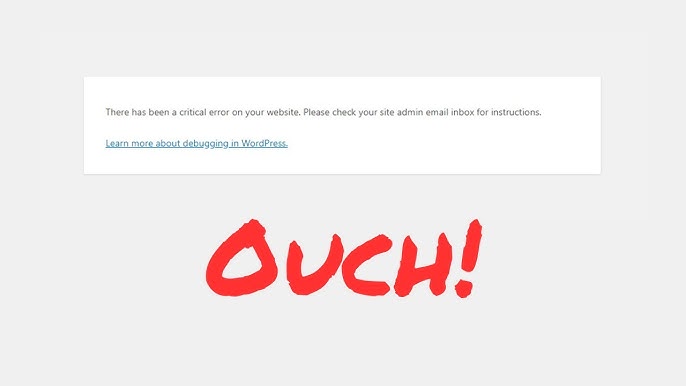
WordPress Critical Error on your Website( Step by Step Fix)

adminBy adminMay 16, 2026Updated:May 16, 2026No Comments2 Mins Read
Facebook Twitter Pinterest LinkedIn Tumblr Email
Share
Facebook Twitter LinkedIn Pinterest Email

STEP 1: Enable Debug Mode (MOST IMPORTANT)

You need to see the real error behind the message.

Contents
    • STEP 1: Enable Debug Mode (MOST IMPORTANT)
      • ๐Ÿ‘‰ Do this:
    • โœ… STEP 2: Disable All Plugins (Most Common Cause)
      • ๐Ÿ‘‰ Method 1 (File Manager)
    • โœ… STEP 3: Switch to Default Theme
      • ๐Ÿ‘‰ Do this:
    • โœ… STEP 4: Check .htaccess File
      • ๐Ÿ‘‰ Do this:
    • โœ… STEP 5: Increase PHP Memory Limit
      • ๐Ÿ‘‰ Add this to wp-config.php:
    • โœ… STEP 6: Reinstall WordPress Core Files
      • ๐Ÿ‘‰ Do this:
    • โœ… STEP 7: Check Error Log (Very Powerful)
    • โœ… STEP 8: Check PHP Version
    • ๐Ÿšจ BONUS: Based on Your Previous Error
  • โœ… QUICK DIAGNOSIS FLOW
  • ๐ŸŽฏ If You Still Have Issues

๐Ÿ‘‰ Do this:

  1. Go to your website files (via cPanel File Manager or FTP)
  2. Open:
    public_html/wp-config.php
  3. Find this line:
define('WP_DEBUG', false);
  1. Replace with:
define('WP_DEBUG', true);
define('WP_DEBUG_LOG', true);
define('WP_DEBUG_DISPLAY', true);
  1. Save the file

๐Ÿ‘‰ Now reload your website โ€” you should see the actual error message


โœ… STEP 2: Disable All Plugins (Most Common Cause)

๐Ÿ‘‰ Method 1 (File Manager)

  1. Go to:
    wp-content/
  2. Rename folder:
    plugins โ†’ plugins_old

๐Ÿ‘‰ Reload your site

  • If the site works โ†’ a plugin is the problem
  • Rename back to plugins, then disable one-by-one in wp-admin

โœ… STEP 3: Switch to Default Theme

Sometimes your theme is broken.

๐Ÿ‘‰ Do this:

  1. Go to:
    wp-content/themes/
  2. Rename your active theme folder
    (e.g. mytheme โ†’ mytheme_old)

๐Ÿ‘‰ WordPress will automatically switch to a default theme like:

  • twentytwentyfour

โœ… STEP 4: Check .htaccess File

๐Ÿ‘‰ Do this:

  1. Go to public_html/
  2. Find .htaccess
  3. Rename it:
    .htaccess โ†’ .htaccess_old
  4. Then create a new .htaccess file and paste:
# BEGIN WordPress
RewriteEngine On
RewriteRule .* - [E=HTTP_AUTHORIZATION:%{HTTP:Authorization}]
RewriteBase /
RewriteRule ^index\.php$ - [L]
RewriteCond %{REQUEST_FILENAME} !-f
RewriteCond %{REQUEST_FILENAME} !-d
RewriteRule . /index.php [L]
# END WordPress

โœ… STEP 5: Increase PHP Memory Limit

Low memory can crash your site.

๐Ÿ‘‰ Add this to wp-config.php:

define('WP_MEMORY_LIMIT', '256M');

โœ… STEP 6: Reinstall WordPress Core Files

Corrupted files = critical error

๐Ÿ‘‰ Do this:

  1. Download fresh WordPress from:
    wordpress.org
  2. Upload:
    • /wp-admin
    • /wp-includes

โš ๏ธ Do NOT overwrite wp-content or wp-config.php


โœ… STEP 7: Check Error Log (Very Powerful)

  1. Go to:
    public_html/wp-content/debug.log

OR

  1. In cPanel:
    โ†’ Metrics โ†’ Errors

๐Ÿ‘‰ Look for:

  • Fatal error
  • Missing class
  • Plugin conflict

โœ… STEP 8: Check PHP Version

  • Use PHP 8.1 or 8.2
  • Old themes/plugins break on newer PHP

๐Ÿ‘‰ In cPanel:

  • Select PHP Version

๐Ÿšจ BONUS: Based on Your Previous Error

You had this earlier:

Class "WP_Widget_Pages" not found

๐Ÿ‘‰ This strongly suggests:

  • Corrupted WordPress core files
  • Or incomplete update

So Step 6 (Reinstall Core Files) is VERY important for you.


โœ… QUICK DIAGNOSIS FLOW

Try in this order:

  1. Enable debug โœ…
  2. Disable plugins โœ…
  3. Switch theme โœ…
  4. Reinstall WordPress core โœ…

๐ŸŽฏ If You Still Have Issues

Send me:

  • The new error message after enabling debug
  • Or screenshot

Iโ€™ll pinpoint the exact problem and fix it with you ๐Ÿ”ฅ

Share. Facebook Twitter Pinterest LinkedIn Tumblr Email
admin
  • Website

Related Posts

How to Fix Windows Crashing Issues (2026 Guide)

January 17, 2026

Major Windows 11 Update โ€” Features Breakdown (2026)

January 15, 2026

How to Protect Your Phone From Hackers (2026 Guide)

January 9, 2026
Leave A Reply Cancel Reply

Demo
Our Picks
Stay In Touch
  • Facebook
  • Twitter
  • Pinterest
  • Instagram
  • YouTube
  • Vimeo
Don't Miss
A.I News

How to Use AI to Make Money Online (2026 Guide)

By adminApril 22, 20260

AI is creating new income opportunities faster than ever. In 2026, you can make money…

Best AI Tools for Beginners (2026 Guide)

April 22, 2026

Best Free AI Tools for 2026 (No Signup Needed)

January 20, 2026

Apple Announces New AI Features โ€” What It Means for iPhone Users

January 2, 2026

Subscribe to Updates

Get the latest creative news from SmartMag about art & design.

About Us
About Us

Your source for Latest A.I,tech news, Gadgets and smartphone reviews and news from round the world

We're accepting new partnerships right now.

Email Us: info@dinnerah.com
Contact: +1-320-0123-451

Our Picks

How to Use AI to Make Money Online (2026 Guide)

April 22, 2026

Best Online Tech Courses for Beginners (2026)

January 27, 2026

Top Tech Skills to Learn in 2026

January 27, 2026
New Comments
    Dinnerah News Blog
    Facebook X (Twitter) Instagram Pinterest
    • Home
    • Tech News
    • Reviews
    • A.I News
    • Gadgets
    • Games
    • Mobile Phones
    © 2026 Dinnerah Tech News. Designed by Site Designed by MUDITECH UK.

    Type above and press Enter to search. Press Esc to cancel.

    Powered by
    ►
    Necessary cookies enable essential site features like secure log-ins and consent preference adjustments. They do not store personal data.
    None
    ►
    Functional cookies support features like content sharing on social media, collecting feedback, and enabling third-party tools.
    None
    ►
    Analytical cookies track visitor interactions, providing insights on metrics like visitor count, bounce rate, and traffic sources.
    None
    ►
    Advertisement cookies deliver personalized ads based on your previous visits and analyze the effectiveness of ad campaigns.
    None
    ►
    Unclassified cookies are cookies that we are in the process of classifying, together with the providers of individual cookies.
    None
    Powered by