

Close Menu
  • Home
  • Tech News
  • Reviews
  • A.I News
  • Gadgets
  • Games
  • Mobile Phones

Subscribe to Updates

Get the latest creative news from FooBar about art, design and business.

What's Hot

How to Use AI to Make Money Online (2026 Guide)

April 22, 2026

Best AI Tools for Beginners (2026 Guide)

April 22, 2026

Best Online Tech Courses for Beginners (2026)

January 27, 2026
Facebook X (Twitter) Instagram
Trending
  • How to Use AI to Make Money Online (2026 Guide)
  • Best AI Tools for Beginners (2026 Guide)
  • Best Online Tech Courses for Beginners (2026)
  • Top Tech Skills to Learn in 2026
  • Samsung Galaxy S26 Ultra Leaks — What We Know (2026 Update)
  • Best Free AI Tools for 2026 (No Signup Needed)
  • Best Video Editing Tools for TikTok Creators (2026)
  • Top TikTok Trends for 2026
Facebook X (Twitter) Instagram
Dinnerah News Blog
  • Home
  • Tech News
  • Reviews
  • A.I News
  • Gadgets
  • Games
  • Mobile Phones
Dinnerah News Blog
Home » Blog » How to Protect Your Phone From Hackers (2026 Guide)
Featured

How to Protect Your Phone From Hackers (2026 Guide)

adminBy adminJanuary 9, 2026No Comments3 Mins Read
Facebook Twitter Pinterest LinkedIn Tumblr Email
Share
Facebook Twitter LinkedIn Pinterest Email

Smartphones are now the number one target for hackers, and cyberattacks in 2026 have become more advanced than ever. Whether you use an iPhone or Android, your personal data—banking apps, passwords, photos, emails—is always at risk.

Contents
  • 🔒 1. Update Your Phone Regularly
      • Why This Matters
      • Tips
  • 🔑 2. Use Strong & Unique Passwords
      • Best Practices
  • 🧩 3. Enable Two-Factor Authentication (2FA)
      • Where to Use It
      • Best Option
  • ⚠️ 4. Avoid Using Public WiFi
      • What You Should Do
  • 🛡️ 5. Install Trusted Security Apps
      • Top Recommendations (2026)
  • 👀 6. Check App Permissions Often
      • Things to Look For
  • 🕵️ 7. Watch Out for Phishing Scams
      • Examples
      • Rule
  • 🔐 8. Use Secure Lock Screen Options
      • Best Lock Options
  • 📵 9. Disable Bluetooth & NFC When Not in Use
      • Tips
  • 🧽 10. Remove Apps You Don’t Use
      • Do This Monthly
  • ⚠️ Signs Your Phone Might Be Hacked
  • 🛑 If Your Phone Is Hacked — Do This Immediately
  • ⭐ Final Thoughts
  • This guide breaks down practical, easy steps to protect your phone from hackers starting today.


    🔒 1. Update Your Phone Regularly

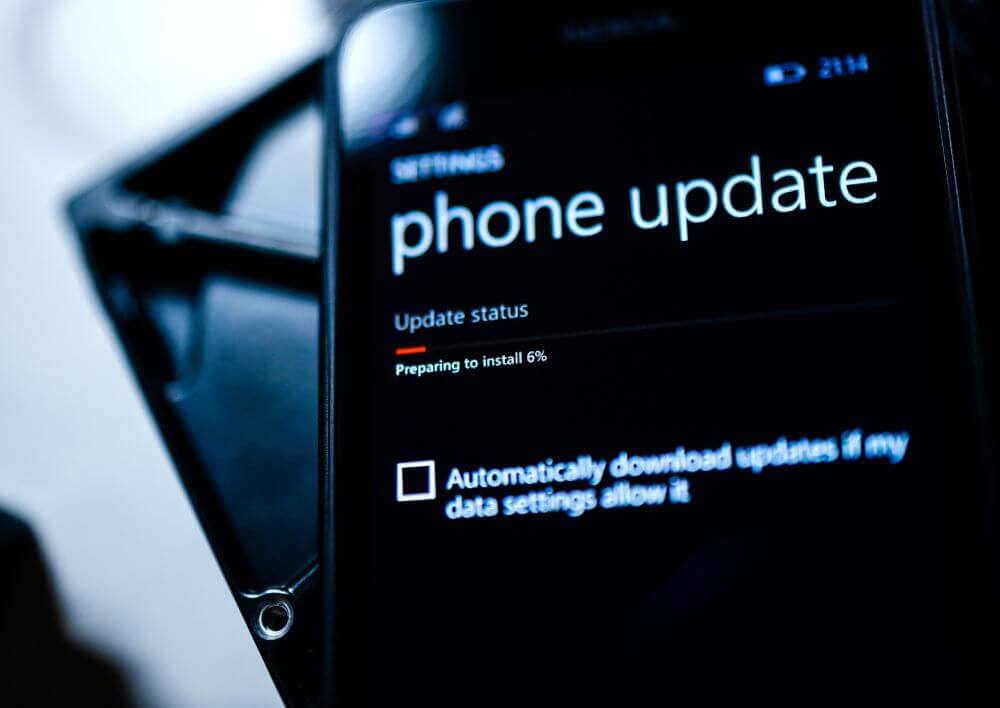
    Updates fix security issues that hackers exploit. Never ignore update notifications.
    Why This Matters

    Old versions of iOS and Android have vulnerabilities that hackers love.

    Tips

    • Turn on Automatic Updates
    • Update apps weekly
    • Restart your phone often

    🔑 2. Use Strong & Unique Passwords

    Never use simple passwords like 1234, 0000, or your birthday.

    Best Practices

    • Turn on 6-digit PINs
    • Use alphanumeric passwords
    • Enable Password Manager
    • Avoid reusing passwords across apps

    🧩 3. Enable Two-Factor Authentication (2FA)

    2FA adds an extra layer of security by requiring a code during login.

    Where to Use It

    • Gmail
    • Facebook
    • Instagram
    • Banking Apps
    • WhatsApp
    • iCloud
    • PayPal

    Best Option

    Use Authenticator Apps instead of SMS codes (SMS can be hacked).


    ⚠️ 4. Avoid Using Public WiFi
    Hackers use open WiFi to steal data instantly.

    What You Should Do

    • Never log in to banking or email on public WiFi
    • Use VPN on public networks
    • Use Hotspot from your own phone when possible

    🛡️ 5. Install Trusted Security Apps

    Security apps help detect malware, spyware, and suspicious behavior.

    Top Recommendations (2026)

    • Bitdefender Mobile Security
    • Avast Mobile Security
    • Norton 360 Mobile
    • Malwarebytes Mobile

    These apps detect rooting, strange permissions, and spyware.


    👀 6. Check App Permissions Often
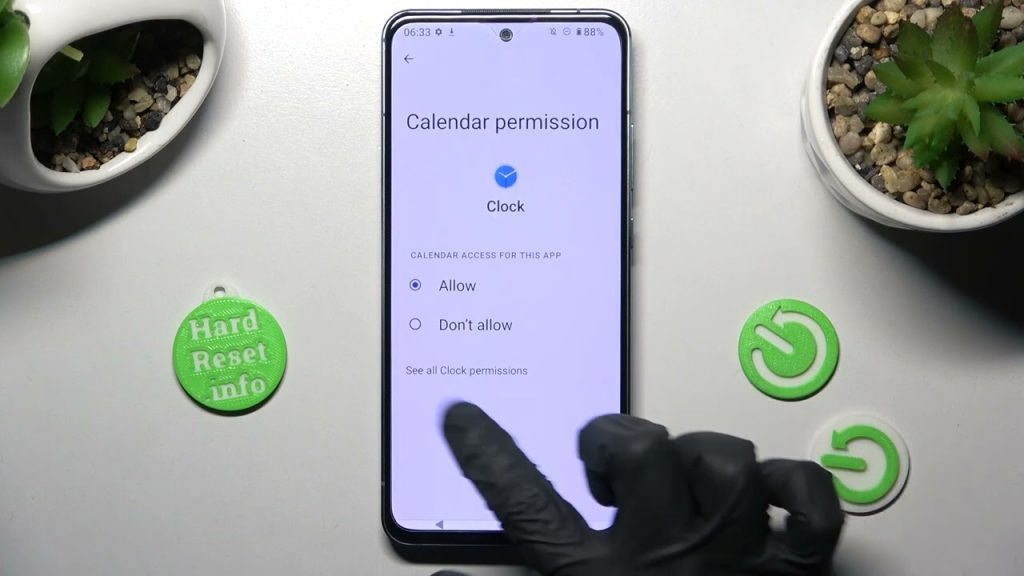
    Hackers exploit apps with unnecessary permissions.

    Things to Look For

    • Apps accessing your camera without reason
    • Apps using location 24/7
    • Apps reading your SMS
    • Fake apps installed from unknown sources

    Go to:
    Settings → Privacy → App Permissions

    Remove anything suspicious.


    🕵️ 7. Watch Out for Phishing Scams

    Hackers mostly enter phones through fake links.

    Examples

    • Fake bank notifications
    • Fake delivery messages
    • Fake “reset password” emails
    • WhatsApp hacked accounts contacting you

    Rule

    If you didn’t request something, don’t click it.


    🔐 8. Use Secure Lock Screen Options
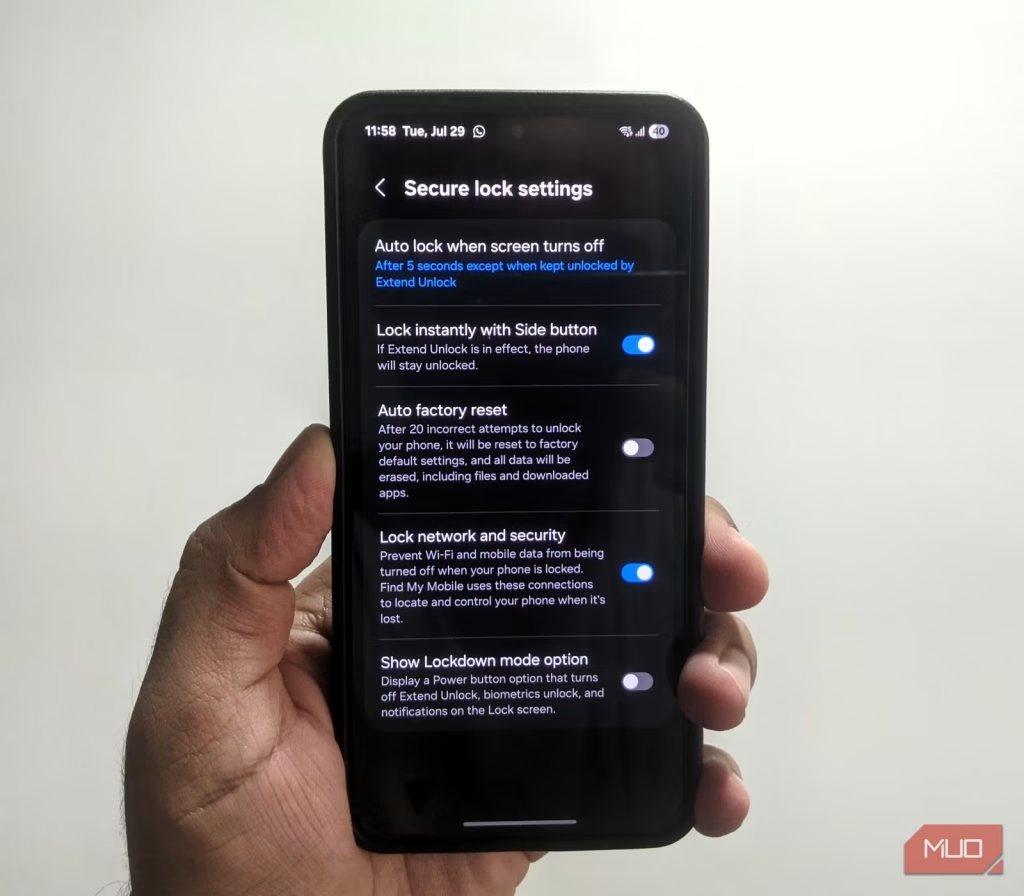
    Avoid pattern locks, they are easy to guess.

    Best Lock Options

    • PIN
    • Password
    • Fingerprint
    • Face unlock (secure models only)

    📵 9. Disable Bluetooth & NFC When Not in Use

    Hackers can connect to your device if Bluetooth is left open.

    Tips

    • Turn off Bluetooth after use
    • Disable NFC if you don’t use tap-to-pay
    • Enable Airplane Mode in unsafe areas

    🧽 10. Remove Apps You Don’t Use
    Every app is a potential security risk.

    Do This Monthly

    • Delete old apps
    • Clear cache
    • Recheck permissions

    ⚠️ Signs Your Phone Might Be Hacked

    Watch for:

    • Sudden battery drain
    • Overheating
    • Unknown apps installed
    • Data usage spikes
    • Random pop-ups
    • Apps opening by themselves
    • Contacts receiving messages you didn’t send

    If these happen, run a security scan immediately.


    🛑 If Your Phone Is Hacked — Do This Immediately

    1. Turn on Airplane Mode
    2. Remove suspicious apps
    3. Change your passwords
    4. Run an antivirus scan
    5. Backup your phone
    6. Factory reset if the issue continues

    ⭐ Final Thoughts

    Your smartphone holds everything—banking, identity, emails, photos—so keeping it safe from hackers is essential in 2026. With simple habits like using strong passwords, checking permissions, and avoiding public WiFi, you can protect your phone from most hacking attempts.

    Share. Facebook Twitter Pinterest LinkedIn Tumblr Email
    admin
    • Website

    Related Posts

    How to Fix Windows Crashing Issues (2026 Guide)

    January 17, 2026

    Signs Your Phone Has Been Hacked (2026 Guide)

    January 14, 2026

    Best Phones for 2026 (Full Buyer’s Guide)

    January 14, 2026
    Leave A Reply Cancel Reply

    Demo
    Our Picks
    Stay In Touch
    • Facebook
    • Twitter
    • Pinterest
    • Instagram
    • YouTube
    • Vimeo
    Don't Miss
    A.I News

    How to Use AI to Make Money Online (2026 Guide)

    By adminApril 22, 20260

    AI is creating new income opportunities faster than ever. In 2026, you can make money…

    Best AI Tools for Beginners (2026 Guide)

    April 22, 2026

    Best Free AI Tools for 2026 (No Signup Needed)

    January 20, 2026

    Apple Announces New AI Features — What It Means for iPhone Users

    January 2, 2026

    Subscribe to Updates

    Get the latest creative news from SmartMag about art & design.

    About Us
    About Us

    Your source for Latest A.I,tech news, Gadgets and smartphone reviews and news from round the world

    We're accepting new partnerships right now.

    Email Us: info@dinnerah.com
    Contact: +1-320-0123-451

    Our Picks

    How to Use AI to Make Money Online (2026 Guide)

    April 22, 2026

    Best Online Tech Courses for Beginners (2026)

    January 27, 2026

    Top Tech Skills to Learn in 2026

    January 27, 2026
    New Comments
      Dinnerah News Blog
      Facebook X (Twitter) Instagram Pinterest
      • Home
      • Tech News
      • Reviews
      • A.I News
      • Gadgets
      • Games
      • Mobile Phones
      © 2026 Dinnerah Tech News. Designed by Site Designed by MUDITECH UK.

      Type above and press Enter to search. Press Esc to cancel.

      Powered by
      ►
      Necessary cookies enable essential site features like secure log-ins and consent preference adjustments. They do not store personal data.
      None
      ►
      Functional cookies support features like content sharing on social media, collecting feedback, and enabling third-party tools.
      None
      ►
      Analytical cookies track visitor interactions, providing insights on metrics like visitor count, bounce rate, and traffic sources.
      None
      ►
      Advertisement cookies deliver personalized ads based on your previous visits and analyze the effectiveness of ad campaigns.
      None
      ►
      Unclassified cookies are cookies that we are in the process of classifying, together with the providers of individual cookies.
      None
      Powered by