

Best antivirus software for Windows 2026. Windows PCs continue to be the most targeted devices by malware, hackers, ransomware, and phishing attacks. With cyber threats becoming more advanced in 2026, choosing the right antivirus software is more important than ever.
This guide breaks down the top antivirus software for Windows, based on protection score, performance, features, and user experience.

Top 7 Antivirus Software for Windows in 2026
1. Bitdefender Total Security — Best Overall
Why It’s #1:
Bitdefender remains the most complete antivirus for Windows, balancing performance, speed, and powerful threat detection.
Key Features
- Real-time threat protection
- Advanced ransomware protection
- Anti-phishing & anti-fraud filters
- VPN included
- Password manager
- Fast scans with low CPU usage
Pros
✔ Excellent detection rate
✔ Lightweight and fast
✔ Great for both beginners and professionals
Cons
✖ Some features require a premium upgrade
2. Kaspersky Plus — Best for Strong Security
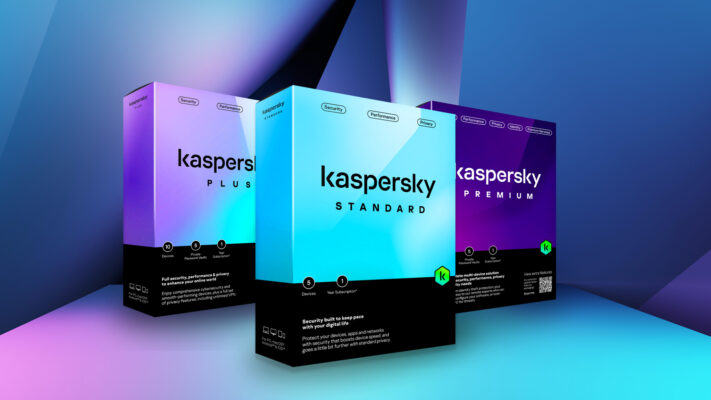
Kaspersky continues to deliver industry-leading malware detection, especially against zero-day threats.
Key Features
- AI-powered malware defense
- Two-way firewall
- Safe Money browser
- Web & webcam protection
Pros
✔ Extremely strong protection
✔ Simple dashboard
Cons
✖ Can slow down older PCs
3. Norton 360 Deluxe — Best for All-In-One Protection

A perfect choice for families and multiple devices.
Key Features
- Real-time antivirus
- Secure VPN
- Cloud backup (50GB+)
- Smart firewall
- Identity theft protection
Pros
✔ Excellent parental controls
✔ Multi-device support
Cons
✖ Heavy on system resources
4. McAfee Total Protection — Best for Identity & Online Safety
McAfee has improved massively in 2026, especially in identity monitoring.
Key Features
- Identity protection suite
- Secure VPN
- Password manager
- Web protection extension
Pros
✔ Excellent for online safety
✔ Great browser protection
Cons
✖ Slightly slower scans
5. Windows Defender (Built-In) — Best Free Option
If you want free protection, Windows Defender is surprisingly powerful.
Why It’s Good
- Real-time malware blocking
- Firewall protection
- Ransomware control
- Fully integrated with Windows 10/11
Cons
✖ Lacks advanced features
✖ Not as strong against zero-day threats
6. Avast Premium Security — Best for Privacy
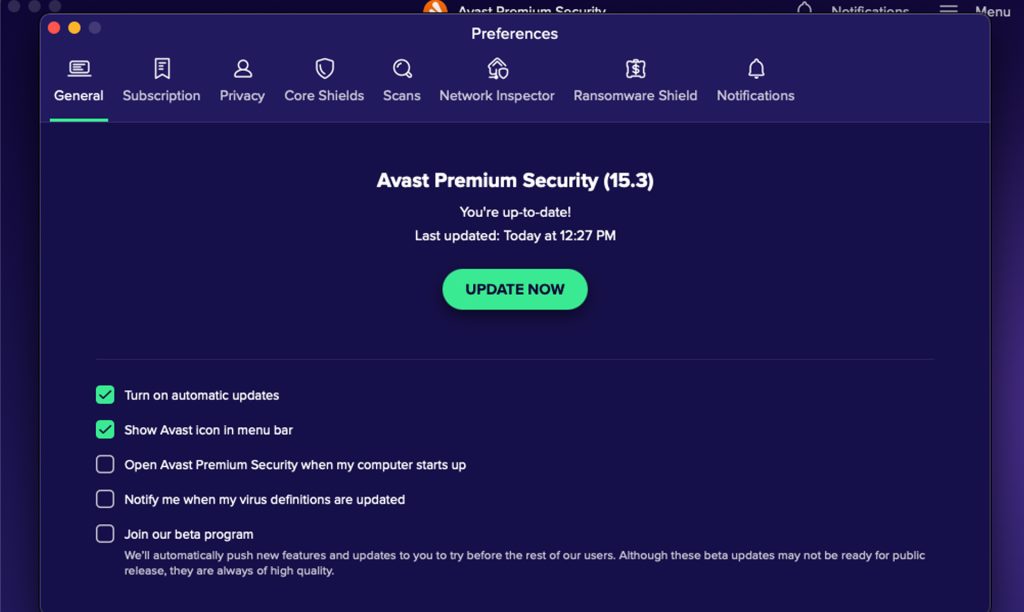
Avast offers strong antivirus protection plus impressive privacy tools.
Key Features
- Anti-phishing
- Wi-Fi network scanning
- Webcam shield
- Password vault
Pros
✔ Excellent privacy protections
Cons
✖ Occasional notifications can be annoying
7. AVG Internet Security — Best Lightweight Antivirus
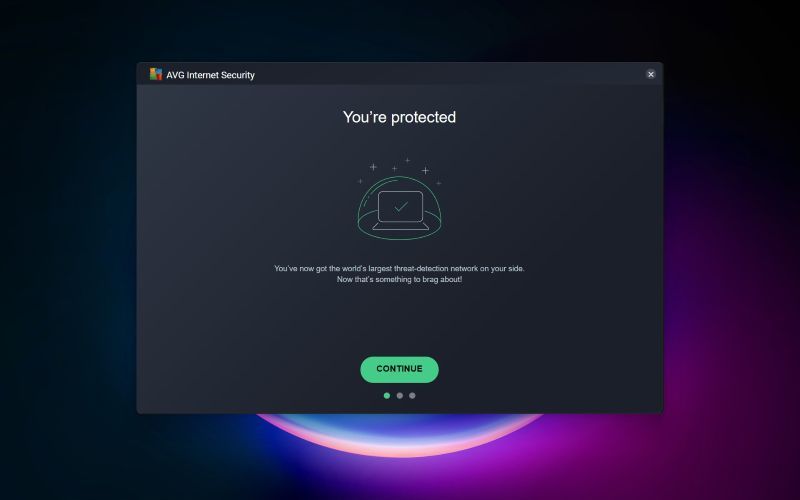
Perfect for older or low-end PCs.
Key Features
- Fast scanning
- File shredder
- Email protection
- Ransomware blocking
Pros
✔ Very light on RAM
✔ Clean interface
Cons
✖ Free version is limited
Which Antivirus Should You Choose in 2026?
Best Overall Protection: Bitdefender
Best for Strong Malware Defense: Kaspersky
Best All-In-One Security: Norton 360
Best Free Antivirus: Windows Defender
Best for Old/Slow PCs: AVG
How to Choose the Right Antivirus for Windows
Before downloading any antivirus, consider:
✔ 1. Your PC Performance
Low-end PC? Choose AVG or Bitdefender.
✔ 2. Your Online Activities
Lots of browsing and streaming? Choose McAfee or Avast.
✔ 3. Family or Multi-Device Use
Choose Norton 360.
✔ 4. Online Banking or Shopping
Choose Kaspersky (best anti-fraud protection).
Final Verdict
In 2026, cyber threats are smarter than ever — but so are antivirus tools. Whether you want free protection, premium security, or lightweight performance, there is a perfect antivirus option for your Windows PC.
