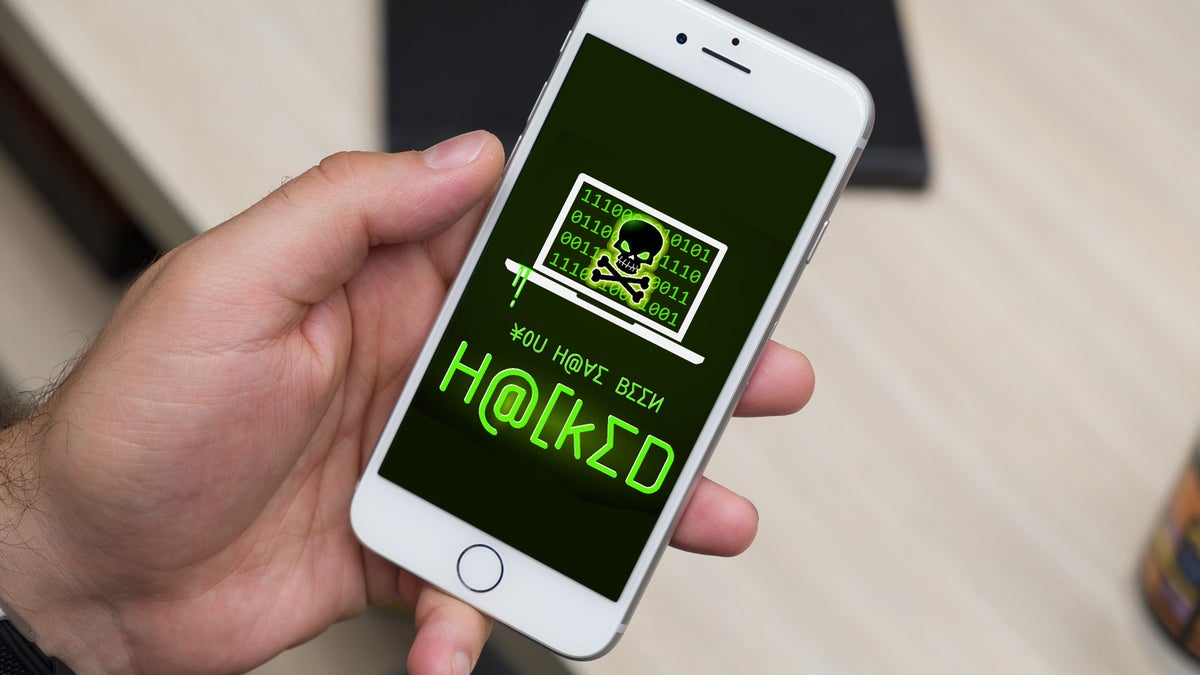
Smartphones are now the number one target for hackers, and cyberattacks in 2026 have become more advanced than ever. Whether you use an iPhone or Android, your personal data—banking apps, passwords, photos, emails—is always at risk.
This guide breaks down practical, easy steps to protect your phone from hackers starting today.
🔒 1. Update Your Phone Regularly
Updates fix security issues that hackers exploit. Never ignore update notifications.
Why This Matters
Old versions of iOS and Android have vulnerabilities that hackers love.
Tips
- Turn on Automatic Updates
- Update apps weekly
- Restart your phone often
🔑 2. Use Strong & Unique Passwords
Never use simple passwords like 1234, 0000, or your birthday.
Best Practices
- Turn on 6-digit PINs
- Use alphanumeric passwords
- Enable Password Manager
- Avoid reusing passwords across apps
🧩 3. Enable Two-Factor Authentication (2FA)
2FA adds an extra layer of security by requiring a code during login.
Where to Use It
- Gmail
- Banking Apps
- iCloud
- PayPal
Best Option
Use Authenticator Apps instead of SMS codes (SMS can be hacked).
⚠️ 4. Avoid Using Public WiFi
Hackers use open WiFi to steal data instantly.
What You Should Do
- Never log in to banking or email on public WiFi
- Use VPN on public networks
- Use Hotspot from your own phone when possible
🛡️ 5. Install Trusted Security Apps
Security apps help detect malware, spyware, and suspicious behavior.
Top Recommendations (2026)
- Bitdefender Mobile Security
- Avast Mobile Security
- Norton 360 Mobile
- Malwarebytes Mobile
These apps detect rooting, strange permissions, and spyware.
👀 6. Check App Permissions Often
Hackers exploit apps with unnecessary permissions.
Things to Look For
- Apps accessing your camera without reason
- Apps using location 24/7
- Apps reading your SMS
- Fake apps installed from unknown sources
Go to:
Settings → Privacy → App Permissions
Remove anything suspicious.
🕵️ 7. Watch Out for Phishing Scams
Hackers mostly enter phones through fake links.
Examples
- Fake bank notifications
- Fake delivery messages
- Fake “reset password” emails
- WhatsApp hacked accounts contacting you
Rule
If you didn’t request something, don’t click it.
🔐 8. Use Secure Lock Screen Options
Avoid pattern locks, they are easy to guess.
Best Lock Options
- PIN
- Password
- Fingerprint
- Face unlock (secure models only)
📵 9. Disable Bluetooth & NFC When Not in Use
Hackers can connect to your device if Bluetooth is left open.
Tips
- Turn off Bluetooth after use
- Disable NFC if you don’t use tap-to-pay
- Enable Airplane Mode in unsafe areas
🧽 10. Remove Apps You Don’t Use
Every app is a potential security risk.
Do This Monthly
- Delete old apps
- Clear cache
- Recheck permissions
⚠️ Signs Your Phone Might Be Hacked
Watch for:
- Sudden battery drain
- Overheating
- Unknown apps installed
- Data usage spikes
- Random pop-ups
- Apps opening by themselves
- Contacts receiving messages you didn’t send
If these happen, run a security scan immediately.
🛑 If Your Phone Is Hacked — Do This Immediately
- Turn on Airplane Mode
- Remove suspicious apps
- Change your passwords
- Run an antivirus scan
- Backup your phone
- Factory reset if the issue continues
⭐ Final Thoughts
Your smartphone holds everything—banking, identity, emails, photos—so keeping it safe from hackers is essential in 2026. With simple habits like using strong passwords, checking permissions, and avoiding public WiFi, you can protect your phone from most hacking attempts.

Leave a Reply