In today’s digital world, one weak password can compromise your entire online identity.
With hundreds of apps, websites, and accounts, remembering every password safely is nearly impossible — that’s where password managers come in.
In 2025, password managers have become smarter, faster, and more secure than ever before. They use AI-assisted breach detection, biometric logins, and zero-knowledge encryption to protect users’ data.
This guide will walk you through the best password managers for USA users in 2025, so you can safeguard your accounts and simplify your digital life.
1. 1Password – Best Overall Password Manager
🏆 Best for: Families and professionals
Price: $2.99/month (Individual) | $4.99/month (Family)
Platform: Windows, macOS, iOS, Android, Browser
Why It’s Great:
1Password remains the gold standard in password security. It uses end-to-end encryption, Travel Mode (to hide data while crossing borders), and Watchtower, which alerts you of weak or breached passwords.
Key Features:
- Biometric unlock (Face ID/Fingerprint)
- Password breach monitoring
- Family and business sharing vaults
- Built-in 2FA code generator
Pros: Easy to use, great security, excellent for multi-device sync
Cons: No free plan
🔗 Official website: 1password.com
2. Bitwarden – Best Free Password Manager
🏆 Best for: Budget-conscious users
Price: Free | $10/year (Premium)
Platform: All major OS + Browser extensions
Why It’s Great:
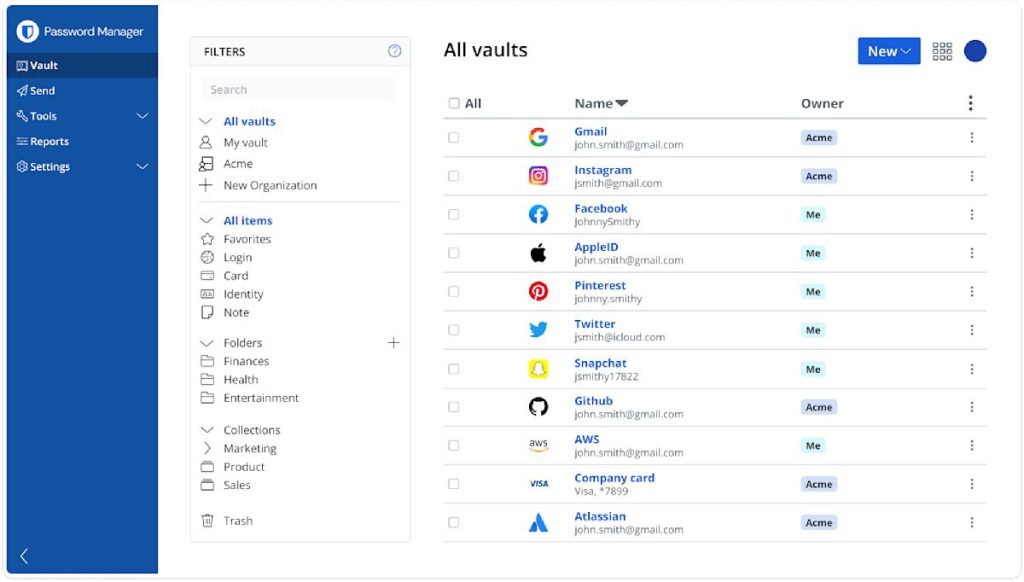
Bitwarden is open-source, meaning its code is publicly available for security audits. It offers unlimited passwords, devices, and sync even in the free plan — something few competitors provide.
Key Features:
- End-to-end encryption
- Encrypted file storage (Premium)
- Password health reports
- Self-hosting option for advanced users
Pros: Affordable, transparent, community-trusted
Cons: Interface slightly less polished than paid rivals
🔗 Learn more: bitwarden.com
3. Dashlane – Best for Business Users
🏆 Best for: Teams, freelancers, and small businesses
Price: $4.99/month (Personal) | $8/month (Business)
Platform: Cross-platform + Browser
Why It’s Great:
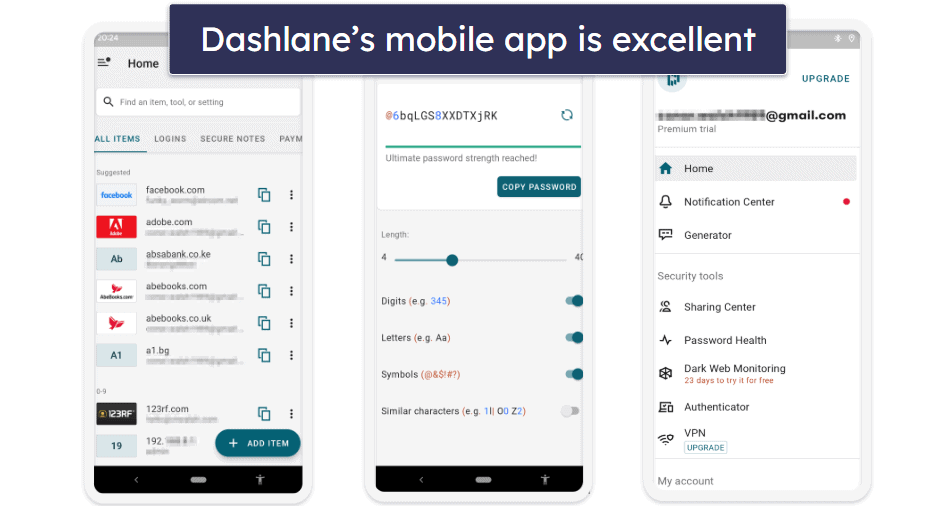
Dashlane offers a built-in VPN, dark web monitoring, and password autofill for all devices. Its intuitive dashboard makes managing hundreds of passwords effortless.
Key Features:
- Real-time dark web scanning
- Password changer (updates passwords automatically)
- Secure sharing with team members
- AES-256 encryption
Pros: All-in-one solution, great for office use
Cons: Higher pricing for small users
🔗 Visit: dashlane.com
4. NordPass – Best for Privacy-Focused Users
🏆 Best for: Privacy and security enthusiasts
Price: Free | $1.79/month (Premium)
Platform: iOS, Android, Windows, macOS
Why It’s Great:
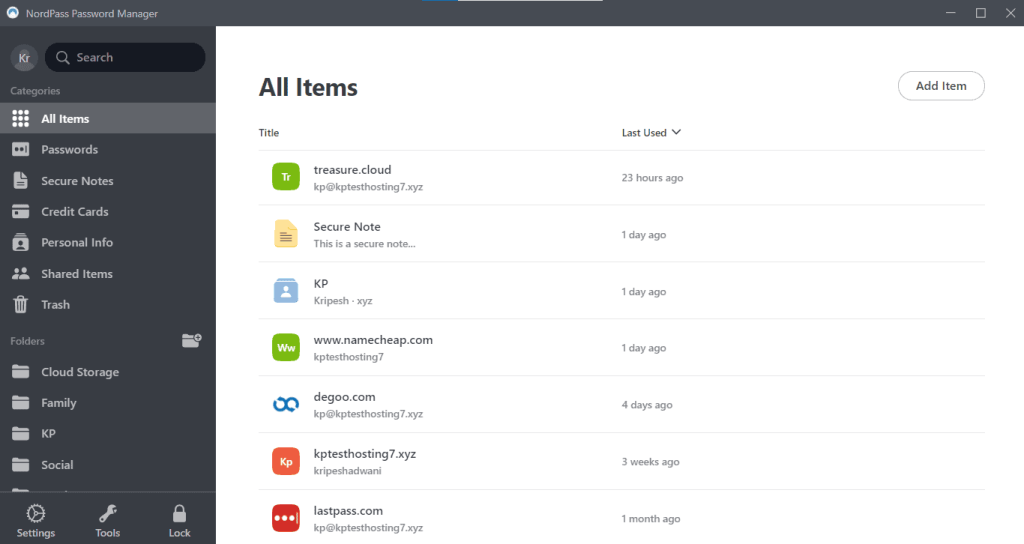
Developed by the team behind NordVPN, NordPass uses XChaCha20 encryption, one of the most secure algorithms today. It also offers password health insights and secure password sharing.
Key Features:
- Biometric login
- Password health score
- Breach scanner
- Secure item sharing
Pros: Great security heritage, easy-to-use design
Cons: No built-in VPN (unlike Dashlane)
🔗 Official site: nordpass.com
5. Keeper – Best for Advanced Security
🏆 Best for: Enterprise users and professionals
Price: $2.91/month (Personal) | $4.87/month (Family)
Platform: All major systems + browser extensions
Why It’s Great:
Keeper focuses on zero-knowledge encryption and multi-layer authentication. It includes a secure messaging platform (KeeperChat) for sharing sensitive data safely.
Key Features:
- Emergency access for trusted contacts
- Dark web monitoring
- BreachWatch alerts
- Encrypted file storage
Pros: Extremely secure, fast syncing
Cons: Pricier than most
🔗 More details: keepersecurity.com
6. RoboForm – Best for Simplicity and Autofill
🏆 Best for: New users
Price: $2.49/month
Platform: Windows, macOS, iOS, Android
Why It’s Great:
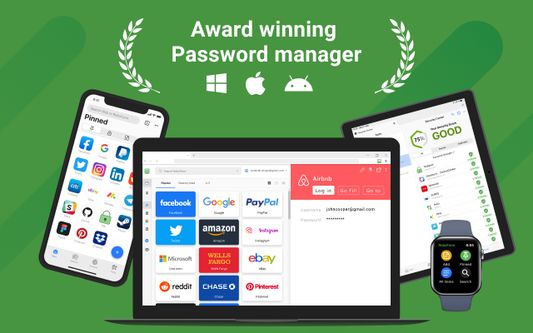
RoboForm is simple, fast, and efficient. It’s one of the oldest password managers and continues to provide excellent autofill accuracy and password organization tools.
Key Features:
- One-click logins
- Secure password generator
- Form-filling for shopping or banking
- Local-only storage option
Pros: Lightweight, easy for beginners
Cons: Interface feels dated compared to others
🔗 Learn more: roboform.com
7. Zoho Vault – Best for Teams and Businesses
🏆 Best for: Small to medium teams
Price: Free (Personal) | $0.90/month (Standard Team)
Platform: Cloud + Mobile + Browser
Why It’s Great:
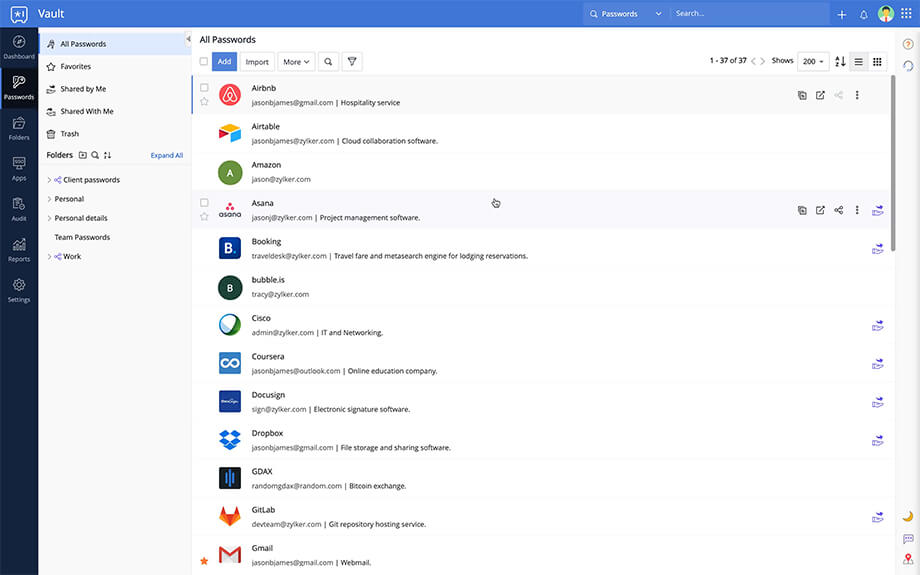
Zoho Vault integrates with other Zoho business apps and offers excellent team management controls. Great choice for companies seeking affordable enterprise-grade password security.
Key Features:
- Centralized password management
- Role-based access control
- Detailed audit reports
- Two-factor authentication
Pros: Great for teams, excellent value
Cons: Interface could be smoother
🔗 Visit: zoho.com/vault
How to Choose the Right Password Manager
Before picking a password manager, consider:
✅ Security – AES-256 or zero-knowledge encryption
✅ Compatibility – Works across all your devices
✅ Ease of Use – Clean interface and simple password import
✅ Features – Breach alerts, 2FA, dark web monitoring
✅ Price – Choose a plan that fits your needs and budget
Pro Tips for Better Password Security in 2025
- Use a different password for every account
- Enable multi-factor authentication (MFA) wherever possible
- Regularly check for data breaches
- Avoid saving passwords in your browser without encryption
- Backup your password vault securely
Final Thoughts
With cyber threats rising in 2025, a reliable password manager isn’t optional — it’s essential.
If you want the best all-around experience, go for 1Password or Bitwarden. For business use, Dashlane or Zoho Vault are top-tier.
Remember: cybersecurity begins with strong password hygiene. Protecting your digital identity now means peace of mind later.
FAQs
Q1: Are password managers safe in 2025?
Yes — top password managers use end-to-end encryption, meaning only you can access your data.
Q2: Can I use the same manager on multiple devices?
Absolutely. Most plans include unlimited device syncing.
Q3: Which password manager is best for families?
1Password Family Plan offers shared vaults and easy access for multiple users.
Q4: Are browser password managers enough?
No. While convenient, they lack strong encryption and breach alerts. Dedicated password managers are far more secure.
READ ALSO: Top Cybersecurity Threats in 2025 & How to Stay Safe


Leave a Reply