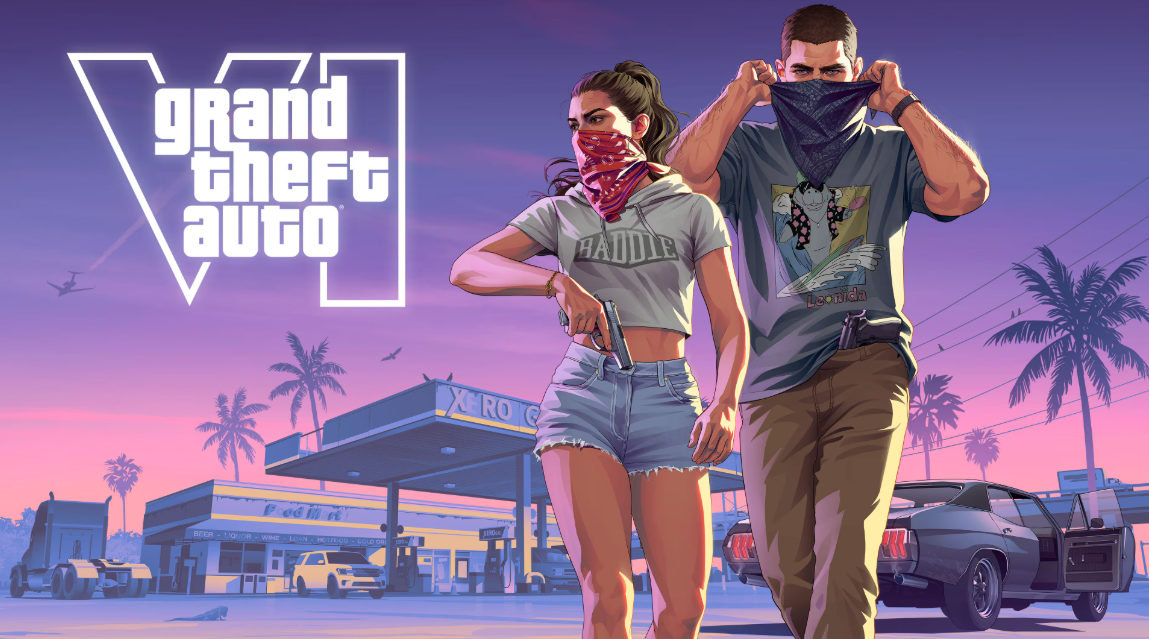
Grand Theft Auto 6 is almost here, and millions of gamers are preparing for the biggest video game release of the year. With Rockstar Games scheduled to launch GTA 6 on November 19, 2026, players are eager to know when they can download the game, how much storage space they need, and whether they can preload it before launch day.
Preloading is particularly important for players who want to start playing as soon as the game becomes available. Instead of waiting several hours for a large download after release, eligible players can download the game files in advance and prepare their consoles.
In this guide, we’ll explain everything you need to know about the GTA 6 preload, including the expected download size, release date, installation process, storage requirements and how to prepare your PlayStation 5 or Xbox Series X|S.
Whether you’re playing as Lucia and Jason for the first time or returning to the world of Grand Theft Auto, this guide will help you get ready.
1. When Does GTA 6 Preloading Start?
Rockstar Games has officially confirmed that digital preloading for GTA 6 begins on November 10, 2026, giving players nine days to prepare before the official launch.
However, the preload time depends on the gaming platform.
According to Rockstar’s official preload announcement:
| Gaming platform | Preload date and time |
|---|---|
| PlayStation 5 | November 10, midnight local time |
| Xbox Series X | November 10, 12:00 AM GMT |
| Xbox Series S | November 10, 12:00 AM GMT |
| Official game release | November 19, 2026 |
For players in Nigeria, the Xbox preload starts at approximately 1:00 AM WAT on November 10, because Nigeria is one hour ahead of GMT.
PlayStation 5 players can begin downloading at midnight in their respective local time zones.
The good news is that players who have already pre-ordered the digital version can prepare their consoles before launch day.
Rockstar has also published an official FAQ explaining the preload process and storage requirements.
2. How Many GB Is GTA 6?
One of the biggest questions surrounding GTA 6 is how much storage space the game will require.
Rockstar Games has confirmed that the GTA 6 preload will require up to 212 GB of available storage space, depending on the device.
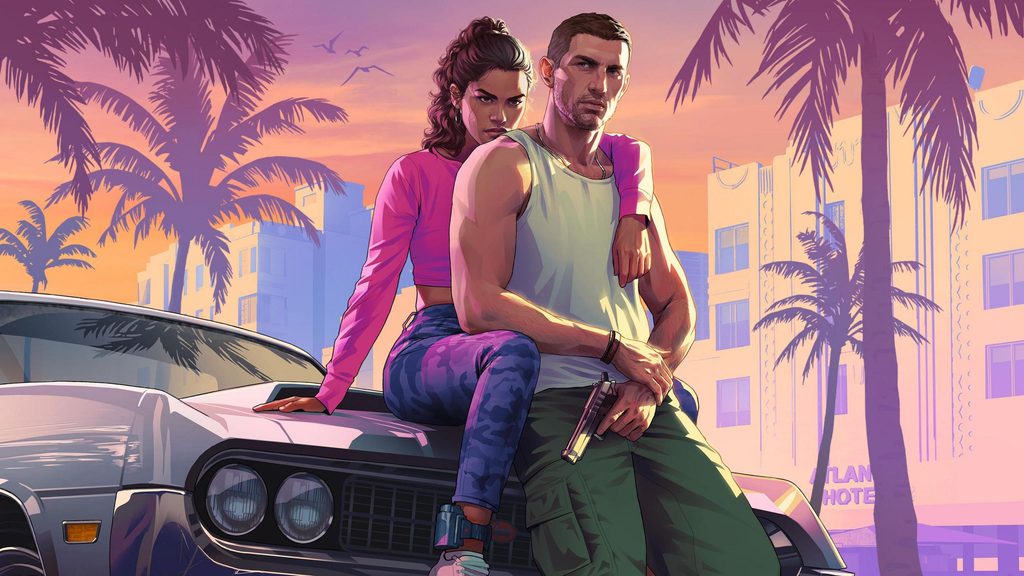
A new arial shot of GTA 6’s Vice City teases a world of possibilities | GamesRadar+
This makes GTA 6 a particularly large download, so players should prepare their consoles before starting the installation.
Here is what you should know:
- Required available space: Up to 212 GB.
- Platform: PlayStation 5 and Xbox Series X|S.
- Preload: November 10, 2026.
- Official release: November 19, 2026.
Important: The 212 GB figure is Rockstar’s stated storage requirement for preloading. It should not automatically be treated as the exact final installed size on every console.
3. How to Preload GTA 6 on PlayStation 5
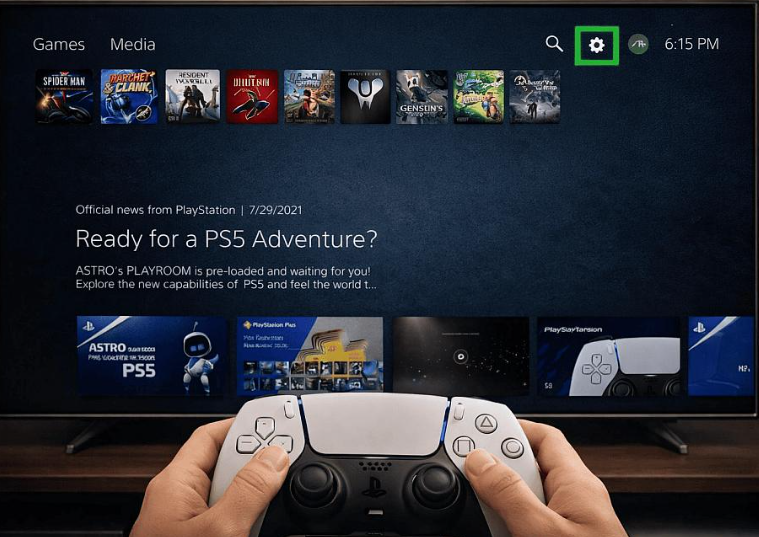
If you own a PlayStation 5, you can download GTA 6 before its official release by following these steps.
Step 1: Pre-order GTA 6
Visit the PlayStation Store and purchase your preferred digital edition of Grand Theft Auto VI.
Make sure you are signed into the correct PlayStation account.
Step 2: Open Your Game Library
Turn on your PS5 and navigate to your Game Library.
Look for Grand Theft Auto VI under your purchased games.
Step 3: Select GTA 6
Open the GTA 6 game page and check whether the download option is available.
Step 4: Start the Preload
Select the download option to begin installing the game files.
Step 5: Enable Automatic Downloads
If you want your console to handle the download automatically, enable automatic downloads and ensure your PS5 is connected to the internet.
You can also leave your console in Rest Mode with the appropriate internet and power settings enabled.
Step 6: Wait for Installation to Finish
Allow the download to complete. Once installed, GTA 6 will remain locked until the official release time.
PlayStation has confirmed that preloading begins at midnight local time on November 10.
4. How to Preload GTA 6 on Xbox Series X and Series S
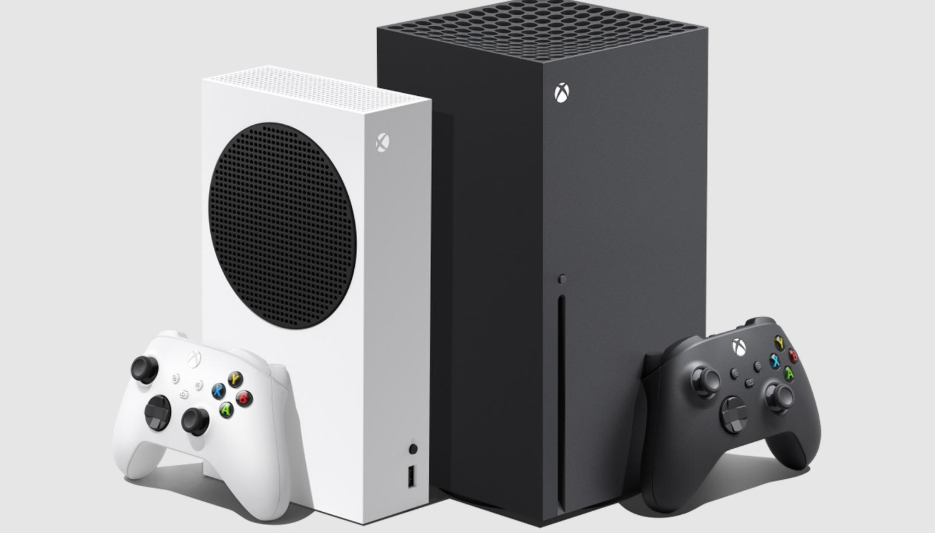
Xbox players can also prepare for GTA 6 ahead of its official launch.
The preload is available for Xbox Series X and Xbox Series S owners who have pre-ordered the digital game.
Follow these instructions:
Step 1: Purchase GTA 6
Open the Microsoft Store on your Xbox console and purchase the digital version of GTA 6.
Step 2: Open Your Games Library
Navigate to your games library and locate Grand Theft Auto VI.
Step 3: Check for Preload Availability
Once preloading becomes available, open the GTA 6 game page and select the installation or download option if offered.
Step 4: Enable Automatic Updates
Check your Xbox settings and enable automatic updates so your console can download available game files.
Step 5: Keep Your Console Connected
Ensure your console has an internet connection and is in an appropriate power mode for automatic downloads.
Step 6: Complete the Download
Wait until the game finishes downloading and installing.
Remember that downloading the game early does not mean you can play it early. You must wait for Rockstar’s official release time.
Rockstar provides additional instructions through its Xbox preload support information. Rockstar Games Customer Support+1
5. How Long Will It Take to Download GTA 6?
Download time will depend on your internet speed, network stability and the actual amount of data your console needs to download.
For a rough estimate, let’s calculate the time needed to download a full 212 GB file.
| Internet speed | Estimated download time |
|---|---|
| 10 Mbps | 47 hours |
| 20 Mbps | 24 hours |
| 50 Mbps | 9.5 hours |
| 100 Mbps | 4.7 hours |
| 200 Mbps | 2.4 hours |
| 500 Mbps | 57 minutes |
| 1 Gbps | 28 minutes |
These are theoretical estimates, assuming continuous full-speed downloading. Actual times may be longer due to network congestion, Wi-Fi conditions, server speeds and overhead.
For gamers with slower internet connections, starting the preload as early as possible is highly recommended.
If your internet connection is unstable, consider using a wired Ethernet connection instead of Wi-Fi.
6. How to Free Up Storage Space Before Downloading GTA 6
With a preload requirement of up to 212 GB, some gamers may need to remove older games or files before downloading GTA 6.
Here are some practical ways to prepare your console.
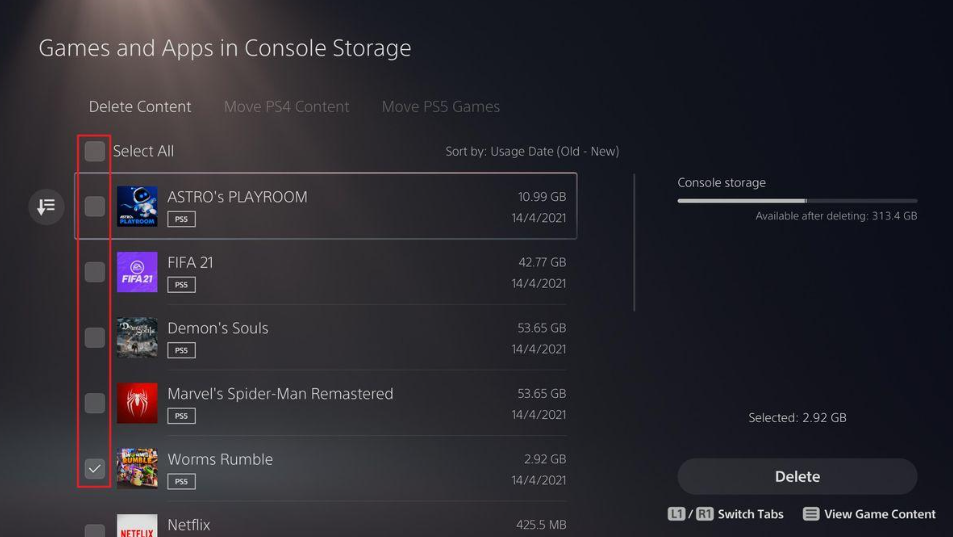
For PlayStation 5 users:
- Open Settings on your PS5.
- Select Storage.
- Review your installed games and applications.
- Identify games you no longer play.
- Delete unwanted games or applications.
- Review saved media files and remove unnecessary recordings.
- Check that you have enough free space for GTA 6.
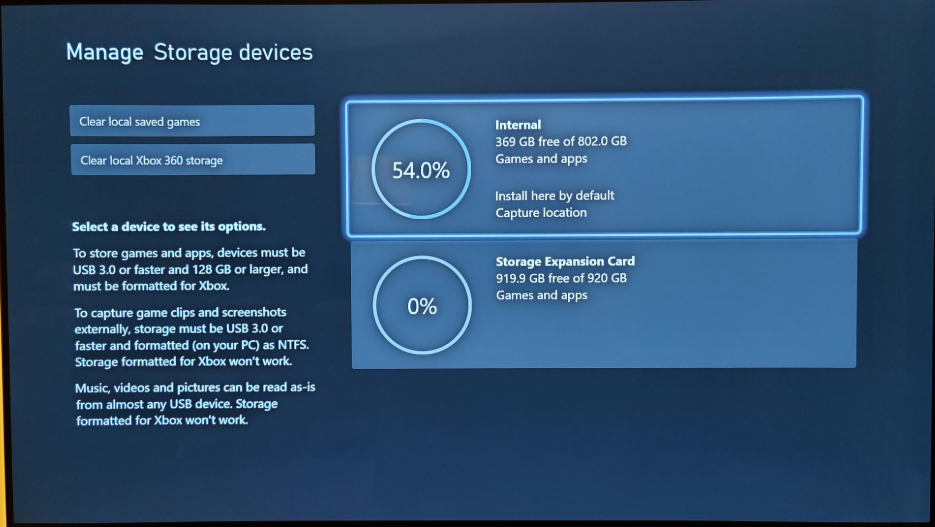
For Xbox Series X|S users:
- Open My Games and Apps.
- Navigate to Manage.
- Select Free Up Space or Manage Storage.
- Review installed games and applications.
- Uninstall titles you no longer need.
- Check your available internal storage.
- Prepare enough space for the GTA 6 preload.
Pro tip: Don’t delete saved game data without checking whether it is backed up or synced. You don’t want to lose your progress in other games while preparing for GTA 6.
7. Can You Play GTA 6 Immediately After Preloading?
No. Preloading allows you to download and install the game before its official release, but it does not unlock early access.
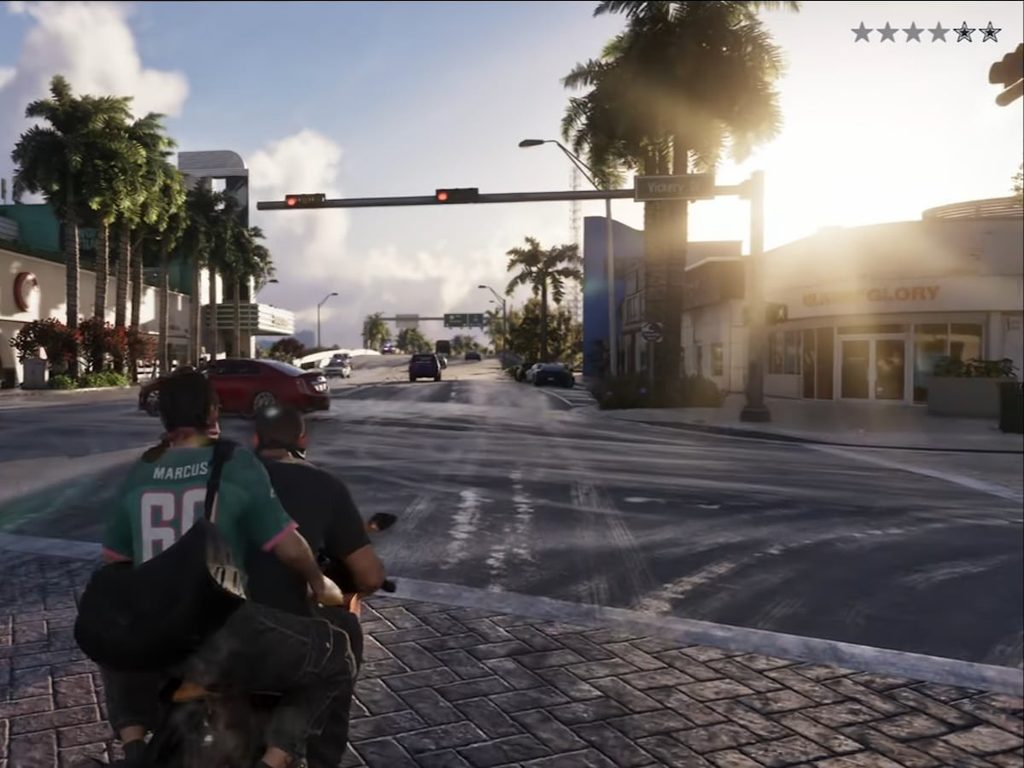
Rockstar Games has scheduled GTA 6 for November 19, 2026.
This means players can prepare their installations ahead of time, but they must wait until the official launch time to start playing.
According to Rockstar’s regional release information, the game will unlock at midnight local time across supported regions on November 19.Rockstar Games Customer Support+1
8. What Happens If Your GTA 6 Download Gets Stuck?
Large game downloads can sometimes experience interruptions. If your GTA 6 preload stops unexpectedly, try these troubleshooting steps:
- Check your internet connection.
- Restart your router if necessary.
- Pause and resume the download.
- Restart your console.
- Check whether your console has enough available storage.
- Make sure your console software is up to date.
- Check the PlayStation Network or Xbox service status.
If the problem continues, consult the official support resources:
- Rockstar Games GTA 6 Preload FAQ
- PlayStation download troubleshooting
- Xbox game installation troubleshooting
9. Will GTA 6 Be Available on PC?
At the time of writing, Rockstar’s official GTA 6 launch information lists PlayStation 5 and Xbox Series X|S.
A PC release date has not been officially announced in the launch information available for this article.
PC gamers who are waiting for GTA 6 should follow Rockstar’s official website for future platform announcements.
Be careful with websites claiming to offer GTA 6 PC downloads before an official PC release. Fake downloads can contain malware or steal personal information.Rockstar Games+1
10. Frequently Asked Questions About GTA 6 Preload
1. When does GTA 6 preload start?
GTA 6 digital preloading starts on November 10, 2026. PS5 downloads begin at midnight local time, while Xbox downloads begin globally at 12:00 AM GMT.
2. How many GB is GTA 6?
Rockstar confirms that GTA 6 preload requires up to 212 GB of available storage, depending on the device.
3. Can I download GTA 6 before its release date?
Yes. Players who have pre-ordered the digital game can preload it before the November 19 launch.
4. Can I play GTA 6 immediately after downloading?
No. You must wait until Rockstar officially unlocks the game on November 19, 2026.
5. Is GTA 6 available on PS4?
Rockstar’s announced launch platforms are PS5 and Xbox Series X|S. PS4 is not listed as a supported launch platform.
6. Is GTA 6 available on Xbox One?
No Xbox One launch version has been announced. Rockstar lists Xbox Series X|S as the supported Xbox platforms.
7. Can I preload GTA 6 without pre-ordering?
Rockstar’s preload instructions are for digital pre-orders. You should check the official store listing for your account and edition.
8. Can I preload GTA 6 on an external hard drive?
Do not assume that an external USB drive can be used as the installation destination. Check your console’s supported storage and installation requirements before purchasing an expansion drive.
9. What happens if I don’t preload GTA 6?
You can download the game after its official release, provided you have purchased it and meet the platform requirements. However, you may have to wait for the download to finish before playing.
10. What is the official GTA 6 release date?
GTA 6 is scheduled to launch on November 19, 2026, for PlayStation 5 and Xbox Series X|S.Rockstar Games Customer Support+3
Conclusion: Get Your Console Ready for GTA 6
The countdown to GTA 6 is getting closer, and players now have an opportunity to prepare before launch day.

Leave a Reply